Overview
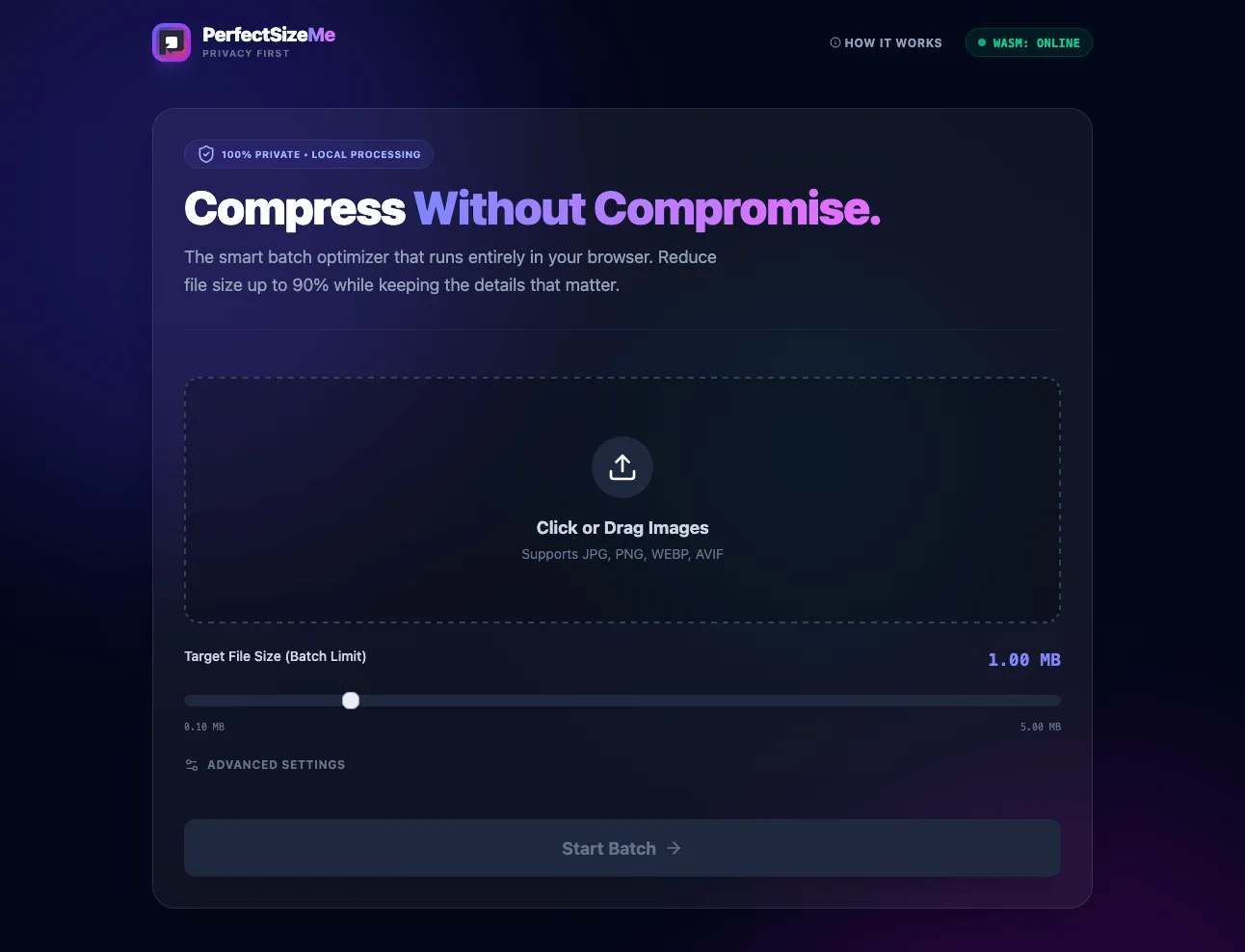
Most online image compressors upload files to a remote server. PerfectSizeMe does the processing in the browser instead, using WebAssembly (WASM).
Users can drop in a batch of images, choose how to compress them, and inspect the result. The files never leave the device, and there is no upload or download step.
Core Features
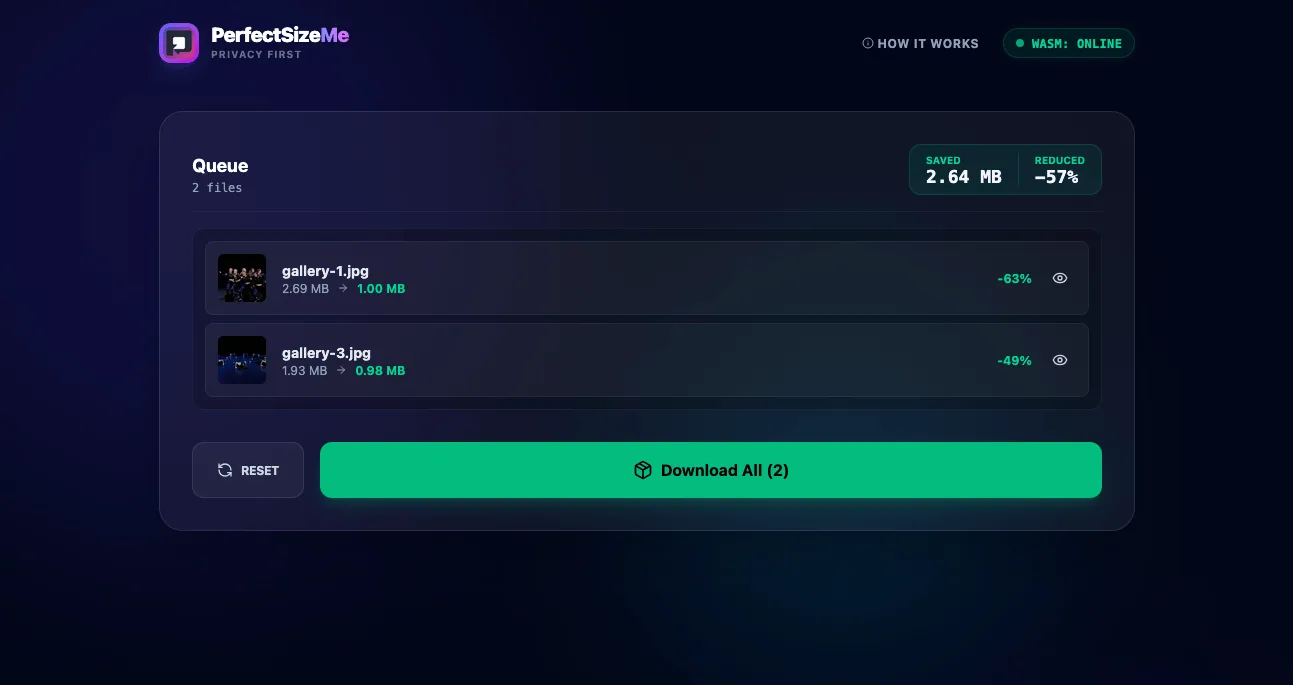
WebAssembly and local processing
Precompiled WASM binaries run the compression algorithms in the browser's memory. Processing speed therefore depends on the local CPU rather than a network connection. The application also works offline because it does not send the image data to an API.
Parallel worker architecture
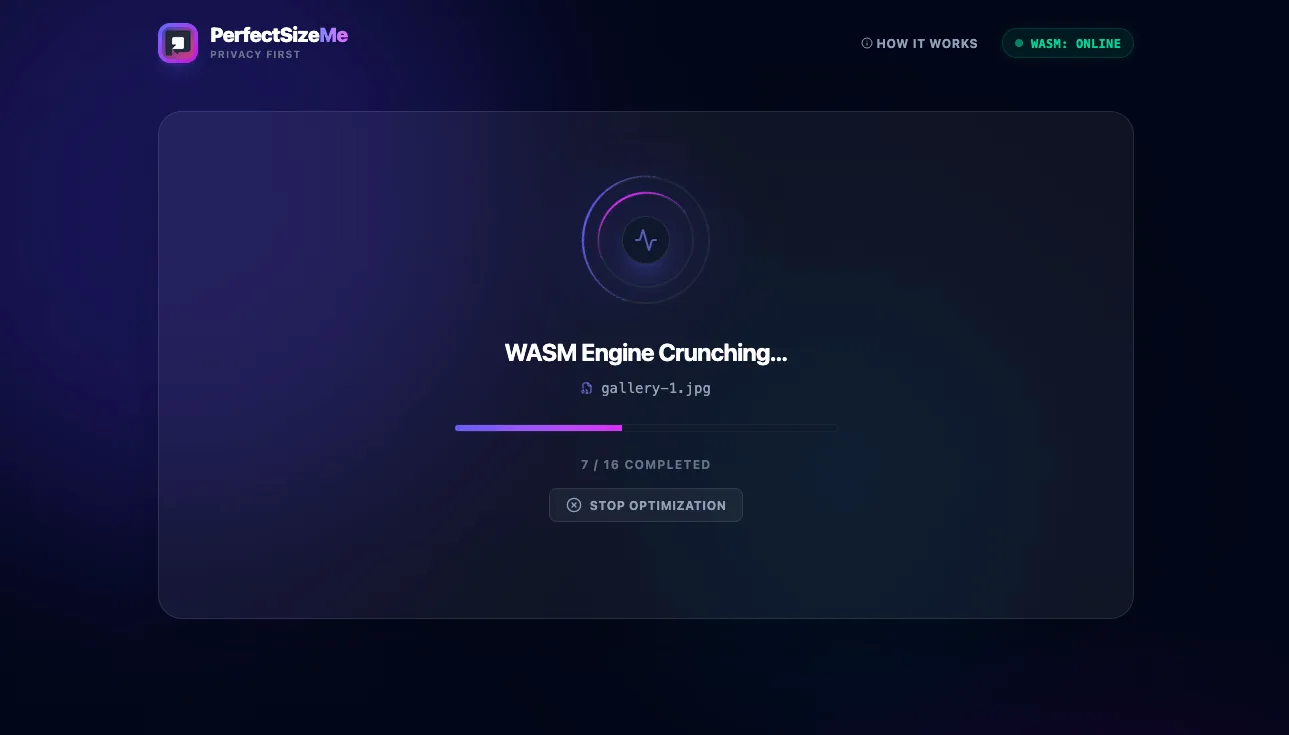
I implemented a custom Worker Pool to keep the interface responsive while images are processed. It detects the available hardware threads, for example four on a desktop or one on a phone, and starts a suitable number of Web Workers. A queue distributes images between them and limits memory use on less powerful devices.
State management
Several workers can finish at almost the same time, so I used functional React state updates to prevent race conditions. A sub-status shows whether each file is Queued, in the WASM Engine, or Rendering. If a file takes longer than 60 seconds, the application skips it rather than leaving the rest of the batch blocked.
Inspection tools
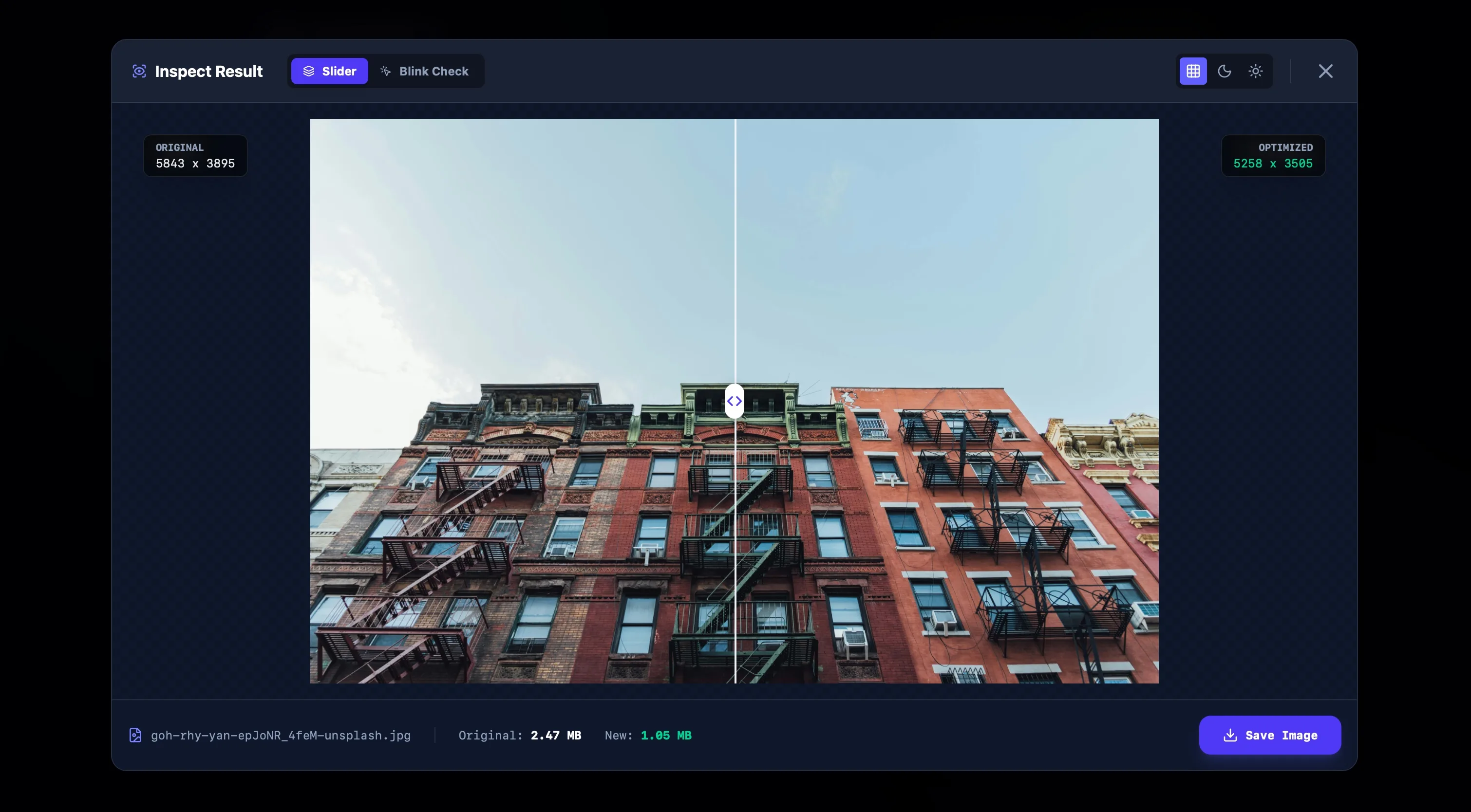
Besides a standard comparison slider, the application has a hold-to-compare view for spotting compression artifacts in downscaled images. Both versions stay mounted while the user switches between them. CSS controls their visibility, which prevents the layout from shifting.
Technologies Used
- Frontend: Next.js 16 (App Router)
- Core Engine: WebAssembly (WASM), Web Workers (Comlink)
- Styling: Tailwind CSS, Lucide Icons
- Utilities: JSZip for batch downloads, Canvas API for dynamic backgrounds